

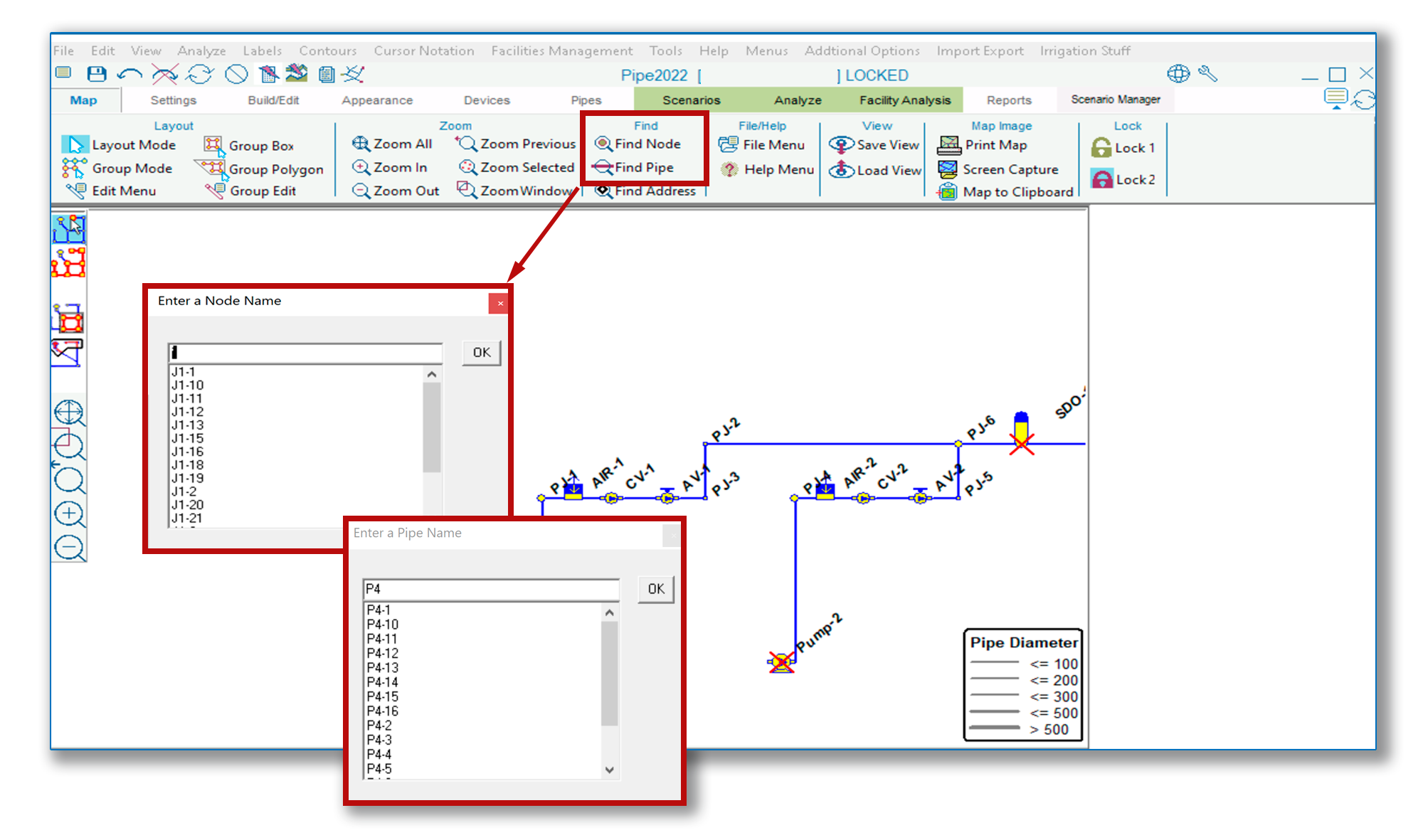
Within the Map Tab of the KYnetic Ribbon are the Find Node and Find Pipe buttons. As of the Pipe2022 Release, the search fields for these buttons will auto-fill with all possible matches after the user types any character(s) into the search field.
Within the Map Tab of the KYnetic Ribbon are the Find Node and Find Pipe buttons. As of the Pipe2022 Release, the search fields for these buttons will auto-fill with all possible matches after the user types any character(s) into the search field.

