

The TranSurge Excel Import Tool has been updated to make it more comprehensive and informative.

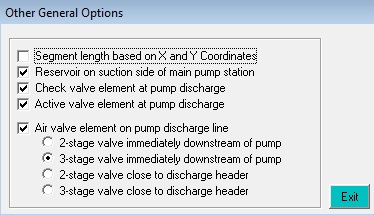
Users can now add more pump station elements directly from an Excel file as shown below, instead of adding them manually in the TranSurge modeling environment after import.

Add check valve elements, active valve elements and air valves either immediately downstream of pump discharge (suitable for VT pumps) or near the pump discharge header, among others. Bring in a fully functioning model with less post-import work within the modeling environment.
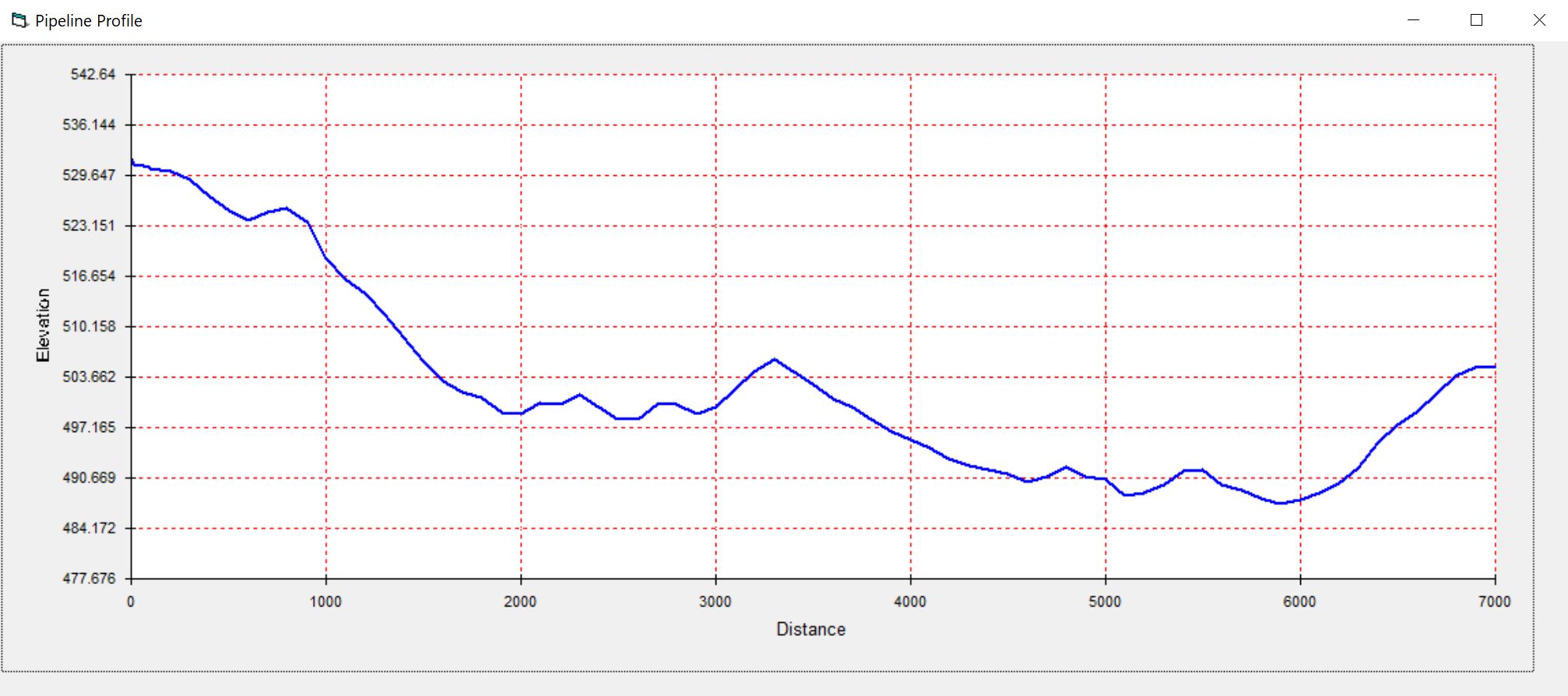
There is now a chart that allows the quick display of a pipeline profile which aids in identifying the locations for air valves and other surge protection devices.
In addition, all entries now have context-sensitive help, and the computation of rated head is further simplified.

